Set Up Your Pages Properly
A weak setup costs you views before your first clip is even posted. Here is every element that actually matters and why.
The authority signal — what your page says before anyone watches a clip
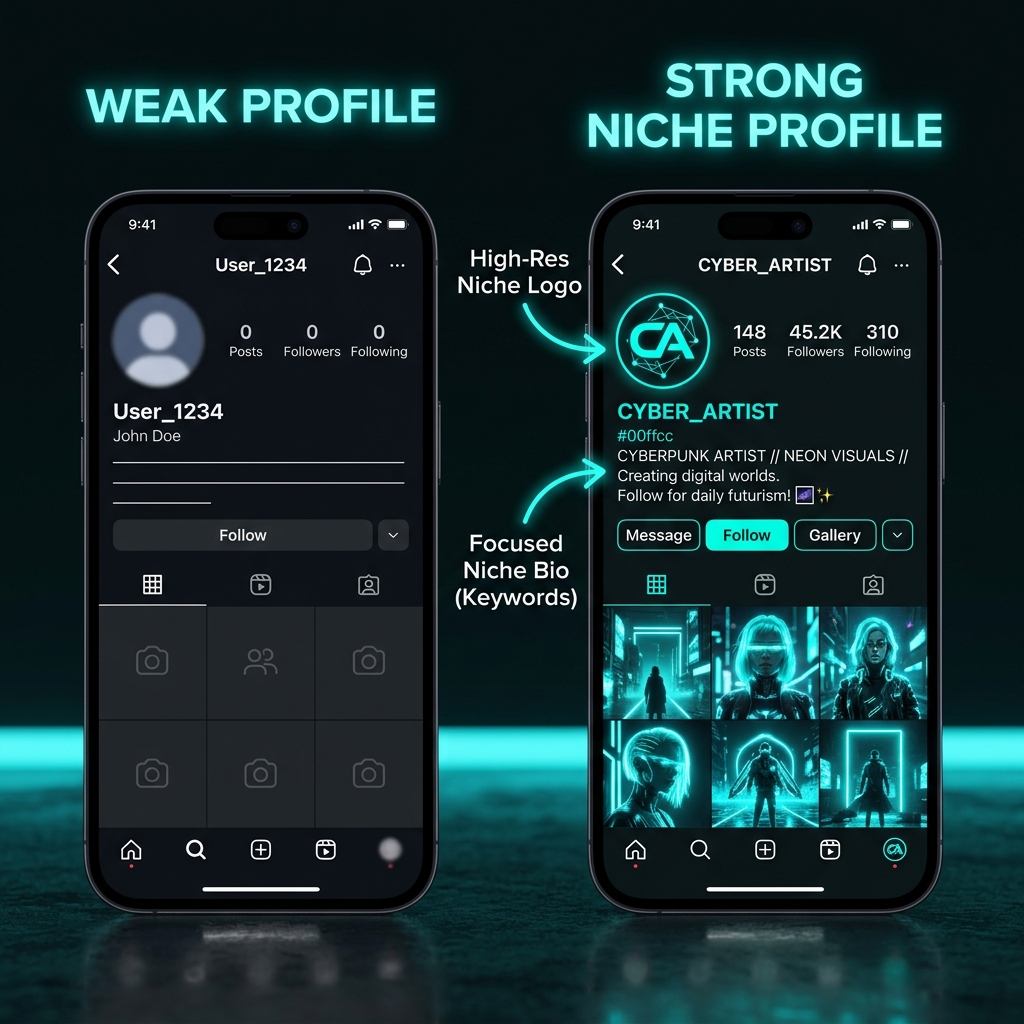
When a viewer lands on your page for the first time — whether from a pushed clip or from searching the niche — they make a snap judgment in two to three seconds. The question they are answering is not "is this person credible?" It is "does this page look like it belongs in the category I care about?"
That judgment is based on visual signals: your username, profile picture, bio, and the grid of content they see. If those elements are coherent and niche-specific, the viewer's implicit trust in your future content is higher. They are more likely to follow, more likely to watch the next clip fully, and more likely to share it.
If those elements are generic, random, or inconsistent — the kind of page that looks like it was thrown together — viewers bounce. The algorithm notices. Lower follow-through rates feed back into how aggressively the algorithm pushes future content from that account.
The setup is not aesthetic — it is algorithmic. A page that looks authoritative in its niche gets better engagement rates per view, which compounds into better distribution. A page that looks random gets worse engagement rates, which suppresses distribution even when the clips themselves are good.

Which platform to start on — the actual decision logic
Most advice says "post everywhere." That is wrong for early-stage clippers. Spreading across four platforms before any one is established dilutes your focus and makes it harder to learn what is working. Platform algorithms also weight account activity — a page that posts consistently on one platform outperforms one that posts sporadically across four.
Pick one primary platform to establish first, then expand. Use this logic:
TikTok
Your niche has an active TikTok presence and you want the fastest path to views. TikTok's For You algorithm is the most aggressive distributor of new content. A new account with zero followers can reach hundreds of thousands of people within its first week if the clips perform. Best for niches with strong visual and emotional appeal.
Instagram Reels
Your niche audience trends slightly older (25–40) or your clips have a more polished, editorial feel. Reels discovery has improved significantly and CPM geography from Instagram tends to be favorable. Cross-posting from TikTok works well here without significant format adjustments.
YouTube Shorts
Your niche has strong gaming, educational, or long-form commentary content. Shorts views compound over time differently than TikTok — a clip can keep getting views for months. Best for clippers who prefer slower but more durable traffic.
X (Twitter)
Your niche is news, sports, culture, or anything that benefits from real-time conversation. X rewards timeliness in a way other platforms do not — the first account to post a clip of a breaking moment can dominate the conversation for hours. Strong for high-velocity niches.
How algorithms treat new accounts — the cold start problem
When you create a new account, the algorithm has no signal about what kind of content it posts or who it should push that content to. This is the cold start problem. Every new account faces it, and how you handle the first two weeks determines whether the algorithm builds an accurate model of your page or a noisy one.
During the cold start phase, the algorithm is essentially asking: "What is this page? Who should see it?" Every action the account takes — what it watches, what it likes, what it posts, what comments it receives — contributes data toward answering that question.
What accelerates the cold start resolution
Username strategy — more than just a name
Your username is one of the first niche signals a viewer and the platform processes. It should communicate two things simultaneously: what niche the page covers, and that this is a real, consistent source — not a personal burner account.
Proven username formulas
Username anti-patterns
- Random number strings (e.g., ClipPage2847) — signals a throwaway account
- Personal-sounding names on a niche page — confuses the page identity
- Niche keywords with ironic or vague adjectives — looks unprofessional
- Using your real name unless you are the creator, not the clipper
- Names that cannot be matched across platforms — hurts cross-platform brand coherence
Profile picture — the 40-pixel test
Profile pictures appear at roughly 40–50px diameter in most feed contexts. At that size, anything complex becomes a blur. Your profile picture needs to communicate one thing clearly at tiny scale: the niche this page belongs to.
What reads well at 40px
- Single letter or initials with strong contrast
- Simple icon or emoji-style niche graphic
- Bold color background with minimal text
- High-contrast silhouette of a niche-relevant visual
What becomes illegible at 40px
- Detailed illustrations with many elements
- Small text or taglines
- Low-contrast color combinations
- Generic stock photos or blurry screenshots
Tools that work for creating profile pictures quickly: Canva (free tier is sufficient), Adobe Express, or simple AI image generation for a niche-themed logo. Spending 30 minutes on a clean profile picture is worth it — you will look at it every day and it signals quality to every viewer who lands on the page.
Bio formulas that actually work
Your bio has 2–3 seconds of attention from a visitor scanning the page. It needs to answer one question instantly: "What does this page post and is it for me?" Most bios fail because they are vague ("entertainment page"), self-referential ("just a guy who loves clips"), or missing entirely.
The three-line bio formula
Example bios by niche
Cover images and grid coherence
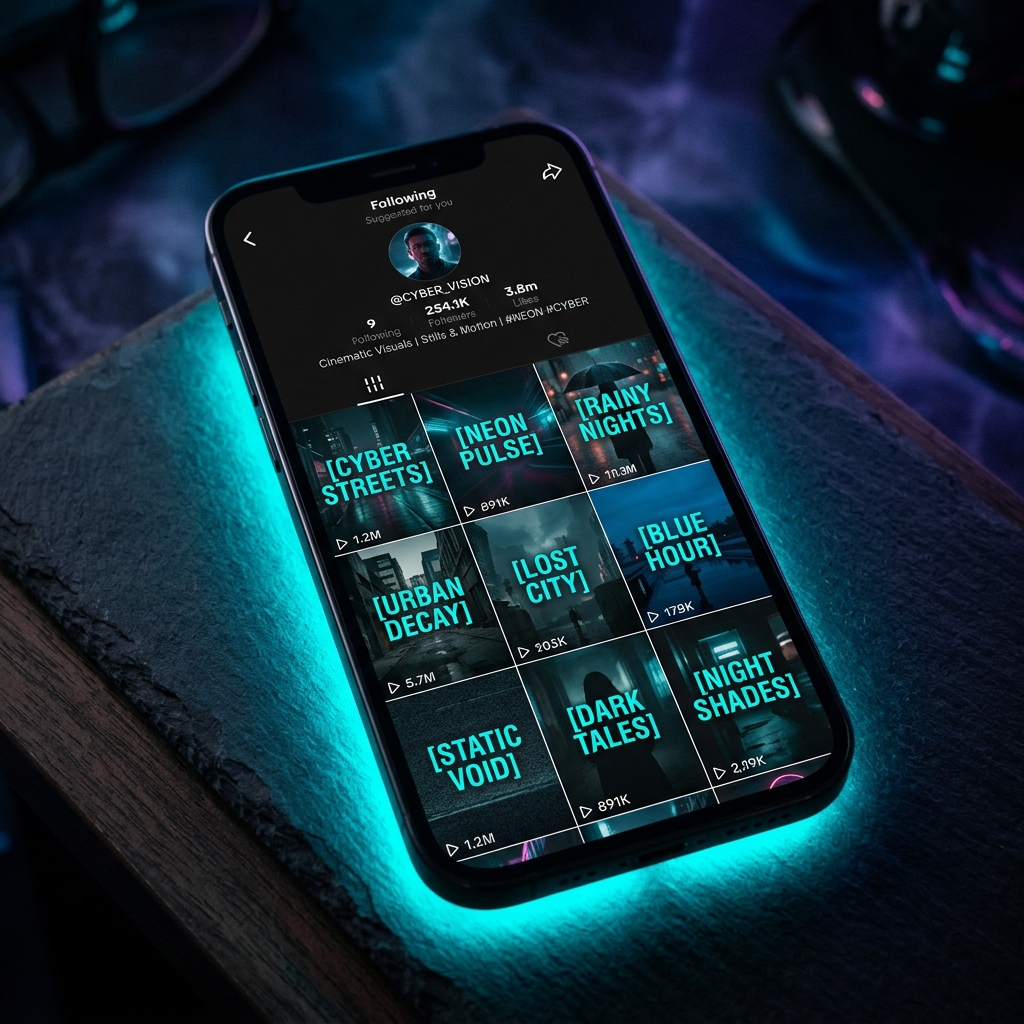
Your profile grid is the second decision point for a potential follower — they see it immediately after reading your bio. If the grid looks random, unfocused, or inconsistent in style, the follow rate drops significantly even if individual clips are good.
One page per niche — and why mixing hurts more than it helps
Beginner clippers often want to post across multiple niches from one page to "maximize output." This is counterproductive. Here is why at a mechanical level: every time you post outside your established niche, the platform pushes that clip to a different audience segment. That audience's engagement pattern is different from your usual one. The algorithm gets a mixed signal and updates its model of your account accordingly — making it less certain about who your content is for.
The compounding effect is that your next niche-appropriate clip gets pushed to a less targeted initial audience because the algorithm is now less confident about your category. Over time, a mixed page reaches fewer people per clip than a focused one with the same follower count.
If you want to clip multiple niches: build separate pages. Name them separately, set them up independently, and treat each as its own operation. Operators with multiple niches run them as parallel pages — not combined ones.
The setup mistakes that hurt before you even post
A fully built page is the foundation. The next step is warming it up — training the algorithm before your clips go live. Chapter 4 covers that process in full.