Growing and Posting
Growth is not random. It is the output of a system built on retention, niche coherence, and an honest feedback loop. Here is how to build that system.
How distribution actually works — the push model
Understanding how clips get distributed is foundational to understanding why some clips explode and others die quietly. Platforms like TikTok and Reels do not give all content equal exposure. They use a tiered push model where each clip is given a small test audience first, and performance in that test determines whether it gets pushed further.
The push tier model
The practical implication is clear: everything that determines whether a clip advances through tiers happens in the first few seconds of viewing. Tier 1 performance is almost entirely about the hook — whether people stay past the first 5 seconds. If they do not, the clip never advances. If they do, the rest of the content quality determines how far it goes.

Retention mechanics — what keeps people watching
Retention is the most important metric in short-form performance. It measures the percentage of viewers who watch your clip from start to finish, and where they drop off if they do not complete it. High completion rates tell the algorithm that people wanted to watch the full thing — the ultimate signal of content quality.
Clips die at predictable points in the retention curve. Understanding where and why gives you a framework for diagnosing underperforming clips instead of just guessing.
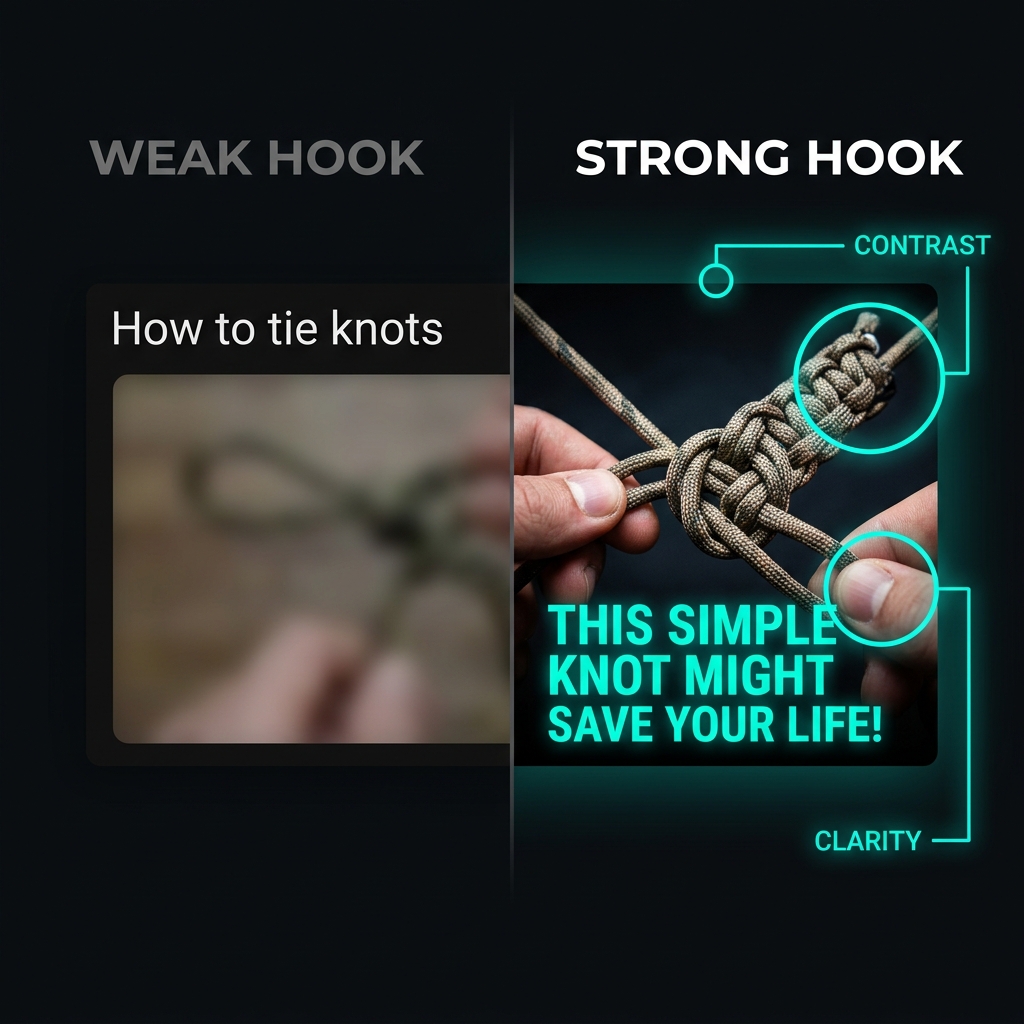
Hook science — how to stop the scroll
A hook is anything in the first 1–3 seconds that gives the viewer a reason to keep watching. It can be visual (a striking first frame), auditory (a strong opening line or sound), textual (a caption that creates curiosity), or contextual (the clip starts mid-action rather than mid-context).
The most effective hooks work by creating an information gap — the viewer senses there is something worth seeing and needs to watch to close the gap.
Tension opener
Start mid-conflict, mid-argument, or mid-consequence. The viewer is dropped into a situation and needs to watch to understand what is happening and how it resolves.
Statement hook
Open with a bold, surprising, or controversial claim. The caption or first line of speech should make the viewer want to agree, disagree, or understand more.
Curiosity gap
Withhold information that the viewer wants. The clip makes it clear that something interesting happened without immediately revealing it — forcing the viewer to stay to find out.
Pattern interrupt
The first frame breaks the visual or auditory pattern of the feed. Unexpected visuals, a sudden sound, a jarring cut — anything that makes the viewer stop because something is different.
Social proof hook
Implies that this moment matters because of how people have reacted to it. Framing a clip as "everyone is talking about this" creates urgency to be informed.
Identification hook
Speaks directly to the target audience's identity or experience. The viewer stops because they recognize themselves in the setup.
Editing discipline — what separates clean from lazy
You do not need cinema-grade editing to perform well. You do need enough discipline to meet the basic bar of your niche. What "clean" means varies — a gaming clip page has different expectations than a podcast clip page — but there is a universal floor below which no niche tolerates poor editing.
The non-negotiable list
- Trim all dead space and silence aggressively
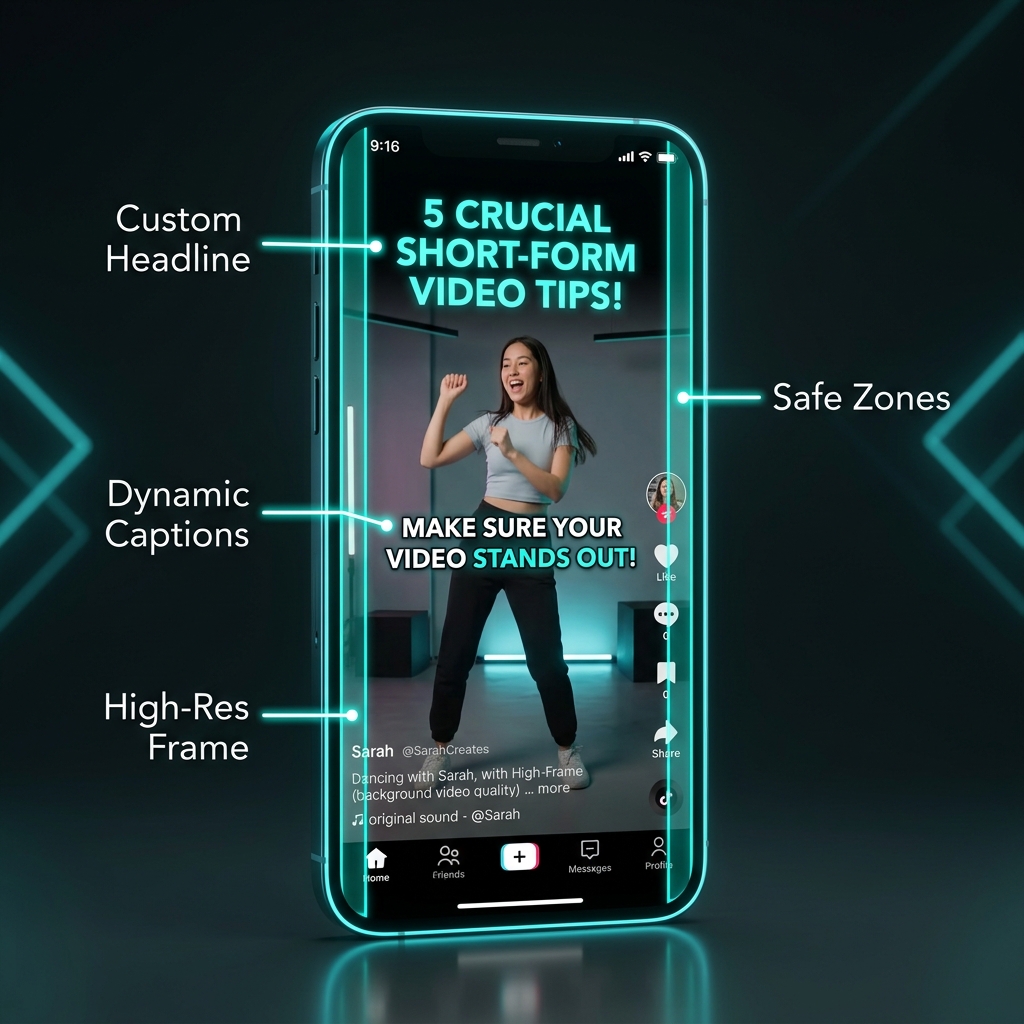
- Subtitles must be readable at a glance (large font, high contrast)
- The most important moment must be visible — zoom or crop if needed
- Clip must not run longer than the moment justifies
- Audio levels should be normalized — jarring volume changes kill retention
Advanced editing signals
- Strategic zoom to emphasize reactions or key moments
- Sound design that matches the energy of the clip
- B-roll inserts when the main footage needs visual support
- Caption timing that matches speech rhythm exactly
- Visual consistency with page's other clips (color grade, layout)
One useful benchmark: watch your clip once with the volume off. If you can understand what is happening from the visuals and text alone, the editing is communicating well. If it is confusing without audio, the visual storytelling needs work.
Caption construction — a formula that works
Captions are the textual hook that complements the visual. They serve two purposes simultaneously: stopping the scroll for people whose audio is off, and adding context or framing that makes the clip more shareable.
The caption formula
Caption examples by hook type
Posting frequency — the honest answer
Frequency matters, but not in the way most beginners assume. Posting 5 clips per day does not guarantee 5× the views. What frequency actually does is provide the algorithm with more data to work from, increase the chances that one clip breaks through, and signal to the platform that the account is active and consistent.
Building and reading the feedback loop
The biggest difference between clippers who improve and those who plateau is whether they treat their analytics as a feedback loop or as a scorecard. A scorecard tells you how you did. A feedback loop tells you why and what to do differently.
Weekly review framework
Why clips die — a diagnostic framework
When a clip underperforms, there is always a reason. Random failure does not really happen at the clip level — the algorithm is consistent. Here is how to diagnose rather than guess:
Building a posting system you can actually maintain
The biggest execution risk for solo clippers is burnout from an unsustainable routine. If the system requires 6 hours per day to maintain, it will collapse. The goal is a system that produces consistent output within a realistic time budget.
A sustainable 2-hour daily workflow
- Source review (30 min): Scan your source creators' output from the past 24–48 hours. Identify 3–5 moment candidates. Do not edit yet.
- Selection and editing (60 min): Select the 2–3 strongest moments. Trim, subtitle, reframe. Set covers. Cap editing time — perfectionism at this stage does not pay off enough to justify the time.
- Caption writing and posting (15 min): Write captions using the formula. Post or schedule. Do not spend 30 minutes on captions — the hook and clip quality matter more than caption finessing.
- Review previous clips (15 min): Check analytics on clips from 24 hours ago. Note what worked and what did not. Update your intuitions.
Once you have a reliable posting system producing consistent views, the next question becomes how to ensure those views are tied to payout structures that actually pay. Chapter 6 goes deep on campaign selection, qualified views, and how to evaluate whether the effort is earning what it should.